On the stability of Z-Wave
The day had come. After working flawlessly for close to ten years, my Razberry Z-Wave controller is retiring. This unit has been the most constant piece of hardware in my home automation journey. It has moved along with multiple hosts and seen the network grow from a single scene controller remote and motion sensor to about 25 units. Now a new ZWA-2
NVM backup incompatibility
The non-volatile memory called NVM is where the Z-Wave controller stores the identifiers for all the nodes in the network, this is a persistent memory that retains the data when the controller is without power. While it was easy to download the NVM backup from the old unit and select /dev/serial/by-id/usb-Nabu_Casa_ZWA-2 instead of /dev/ttyAMA0 in the device settings, the problem came when restoring the NVM backup to the new ZWA-2. The backup is not compatible, the memory format does not match. A quick change of the serial device config restored back to /dev/ttyAMA0 restored the network to working conditions.
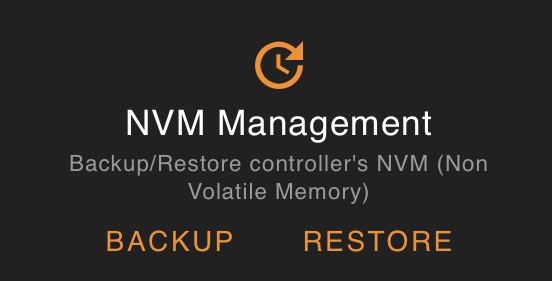
I hoped one click would be enough
It turns out the that the old controller probably used the NVM2 format and not the new NVM3 format. A quick test with nvmedit from zwave-js said the same thing: ZWaveError: Not a valid NVM3 page! (ZW0283).
Looking around some more I stumbled upon a forum post by zwolfpack (David) on the HomeSeer forums. Attached to the post is a small perl script that converts the old data format to the newer one, that can be used by zwave-js.
Converting my backup .bin file with perl oldnvm-to-zwjs.pl gave a new file, one that nvmedit were able to read successfully. This file could then be used to restore the new ZWA-2 with all the nodes from my RaZberry controller.
It is lovely to see someone solve a problem very few people will encounter and share the solution online, and that open tools and standards make this possible compared to closed systems.
Z-Wave is mighty stable
With the imported NVM, my devices popped up immediately, and I could dim the office lights right away. Some other lights took some minutes and battery powered devices needed a little more time to get used to the new network.
But just minutes after restoring the backed up network data to the new controller, automations as well as devices were working flawlessly. This Razberry Z-Wave controller has moved between several hosts since it started with a Raspberry Pi 2. It has moved through multiple software stacks, from the old py-openzwave (if I remember correctly) through some other encapsulations of that same library up to z-wave-js.
Through all these changes the network has lived on, I do not think that I really have had to reset it and start over to include any of the units again. If this is true, and not just me forgetting an early repairing event, it really shows the stability of Z-Wave. Especially now when the network has moved to a new controller to hopefully live for many more years.
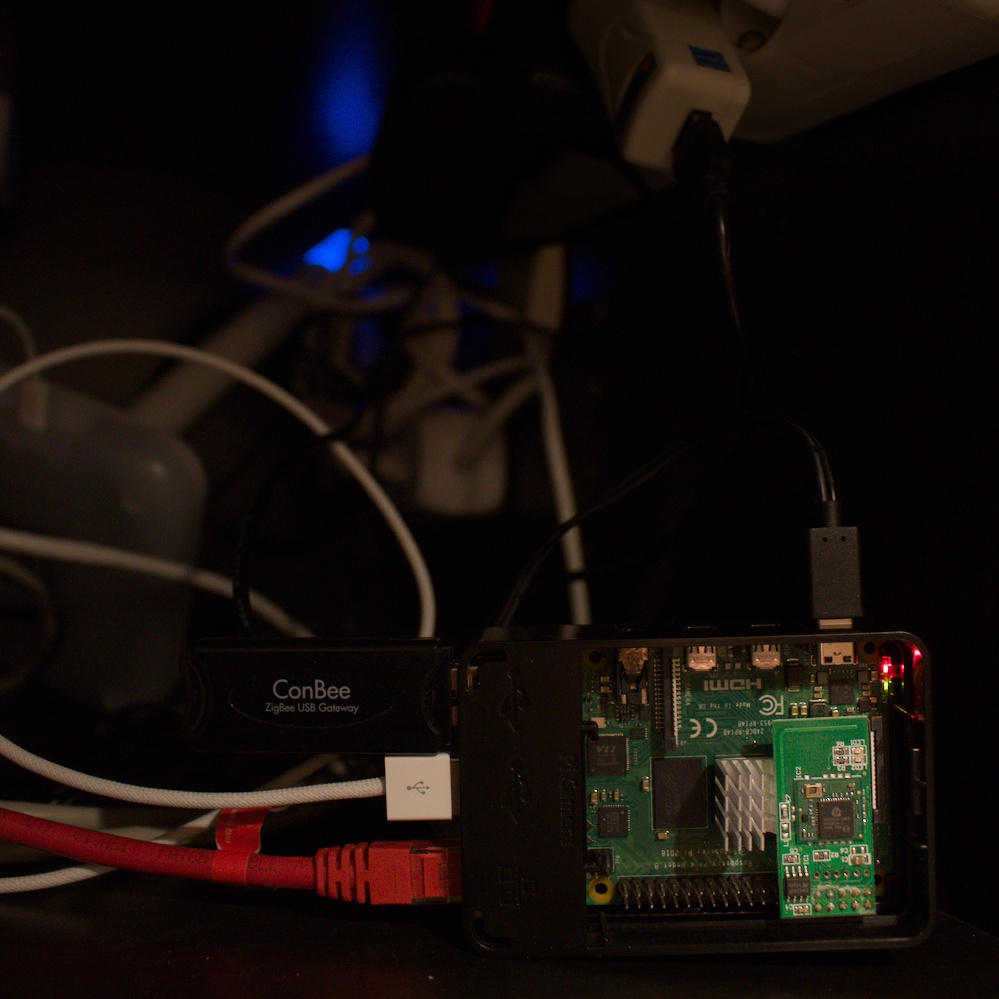
The Z-Wave family and their ConBee friend
At the same time, the ConBee 2 I bought in 2018 is slowly replaced with a SkyConnect (yes, it is a project that has spent some time in a drawer) and Zigbee2MQTT, a more tedious process of paring devices and cleaning up automations and entities instead of a drop-in replacement. But as I move from deCONZ to Zigbee2MQTT, with both running in parallel, all the rooms get a long overdue overhaul of the light automations and mood logic. Zigbee is nice, but Z-Wave is really something special.